
Download the Emrys POS app.
Fast checkout, automatic sync to your dashboard, and sales that keep going when the internet doesn’t.
- Windows coming soon
- Android coming soon
- macOS coming soon
Requires Windows 10 or later (64-bit), Android 8.0 or later, or macOS 12 Monterey or later.
Order #1042 · Table 6
Paid- 2×Jollof rice with chicken120.00
- 1×Kelewele25.00
- 2×Sobolo, 500ml30.00
Keeps selling offline
Serve customers when the internet goes down. Sales sync as soon as you are back online.
Syncs automatically
Sales, stock changes and customer updates reach your dashboard in real time.
Splits the bill
Handle several services in one visit, with separate payments for clear tracking.
Counter-ready in three steps.
Install the app, sign in, and start selling.
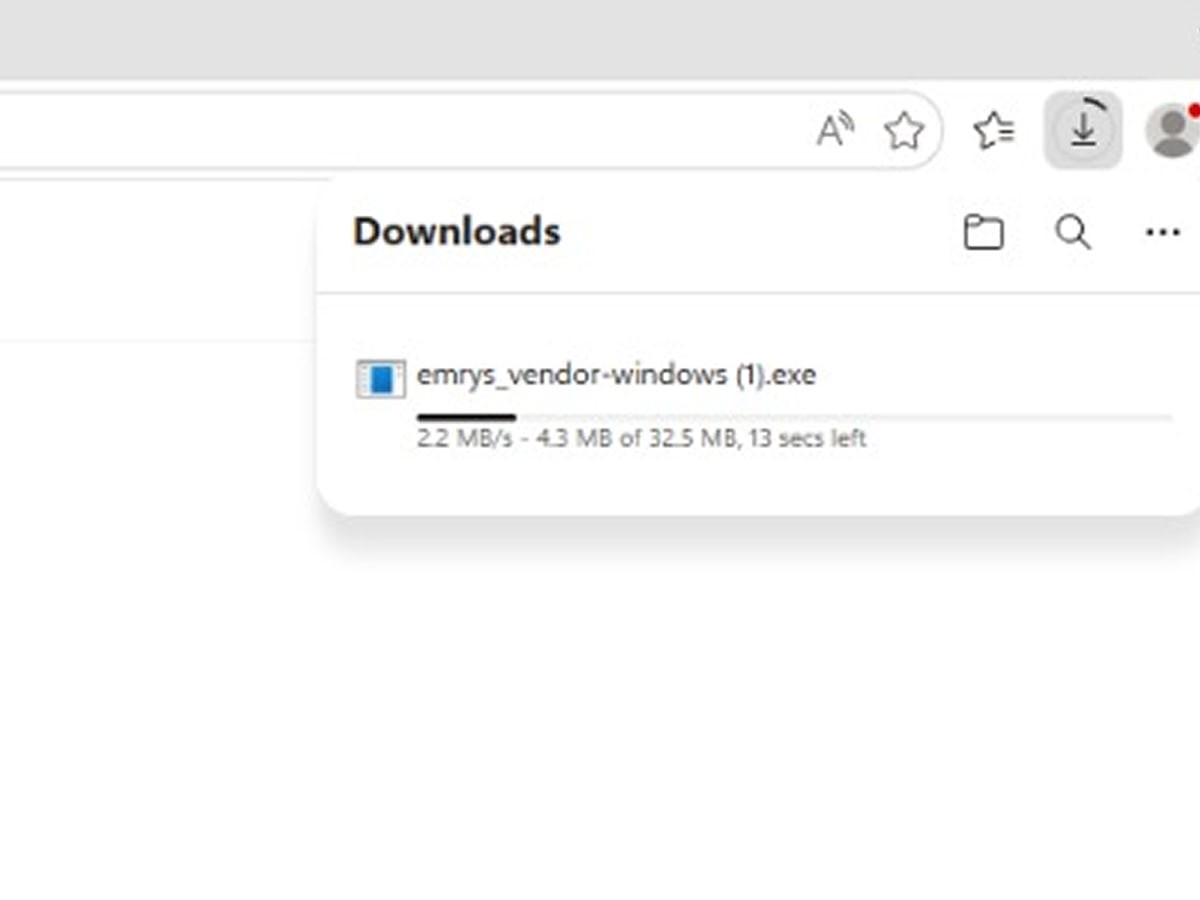
1. Download the installer
Choose your device above. The installer saves to your computer.
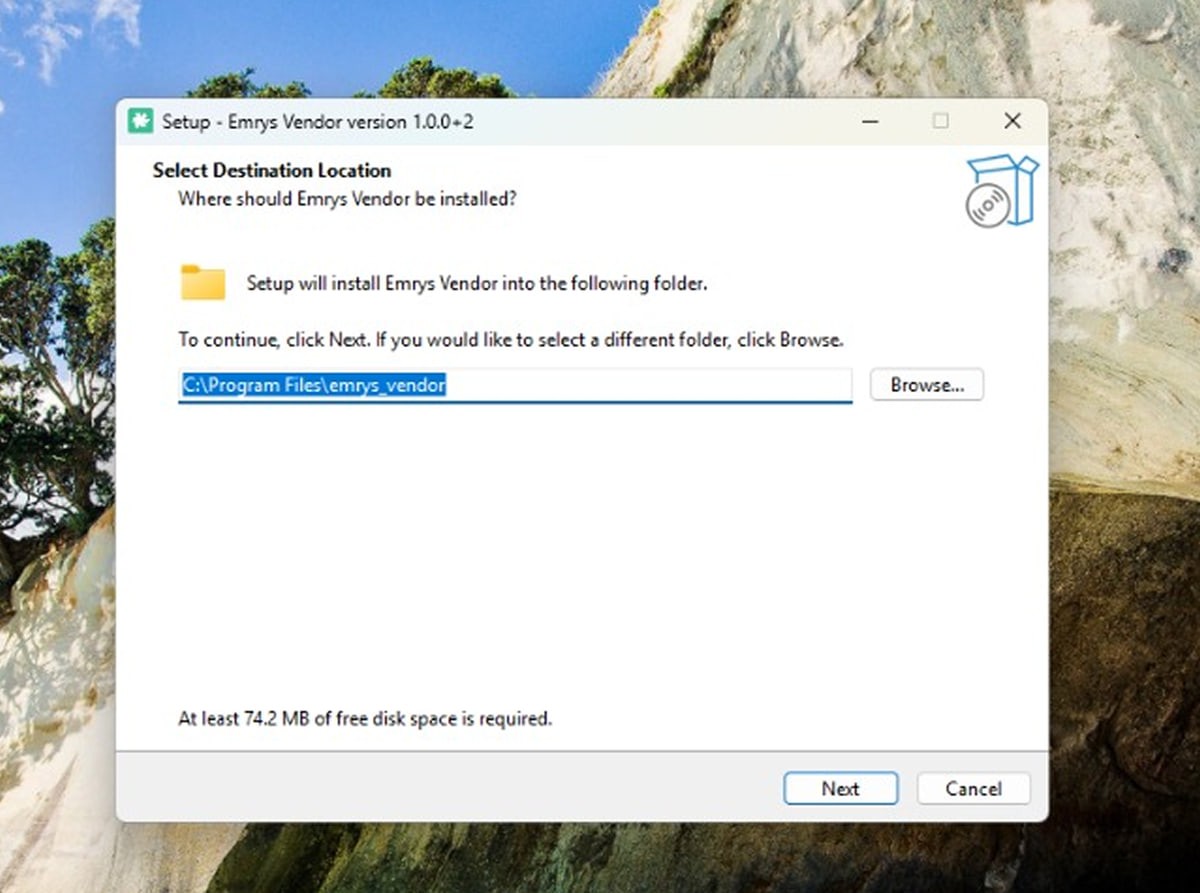
2. Run the setup
Open the file and follow the steps. On Windows, run the .exe file; on a Mac, drag Emrys into Applications.
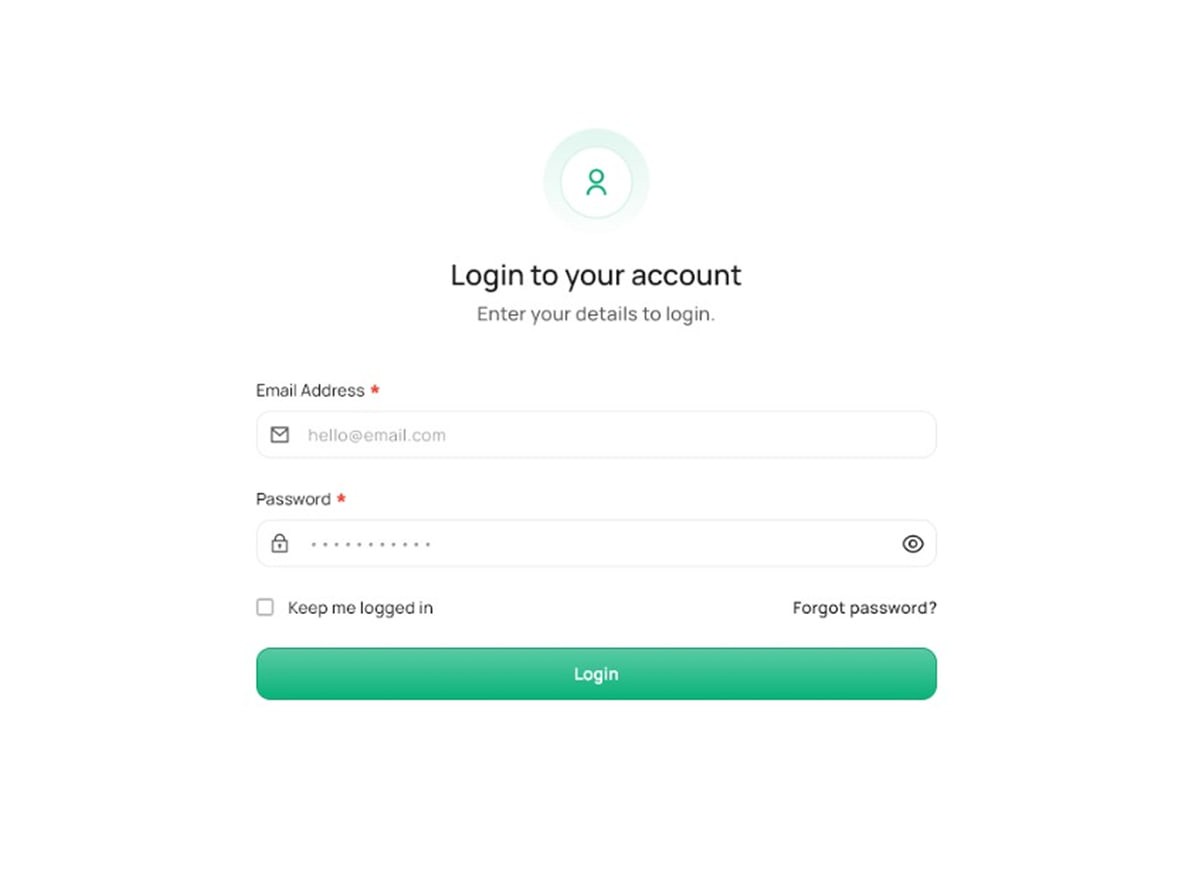
3. Sign in
Open the POS app and log in with your Emrys account. Your store data syncs straight away.
Questions about the app.
Still unsure? Call us on +233 20 404 5782 or book a demo.
Is the POS app free?
Yes. The POS app comes with your Emrys Business Suite account at no extra cost. Install it on as many devices as your plan allows.
How do updates work?
The app checks for updates each time it opens and prompts you to install new versions. Security updates install automatically in the background.
Where is my data stored?
On your device for speed and offline use, then encrypted and synced to our servers. Data at rest is protected with AES-256 encryption.
Make your business easier to understand, and harder to run blindly.
Book a free 30-minute demo and see Emrys set up for a business like yours.
Or call +233 20 404 5782